

LappyPower Laptop Adapter compatible for Lenovo (135W 6.75A 20V) - Slim Tip Yellow USB Pin
LappyPower Laptop Adapter compatible for Lenovo (135W 6.75A 20V) - Slim Tip Yellow USB Pin
Regular price
Rs. 1,599.00
Regular price
Rs. 1,999.00
Sale price
Rs. 1,599.00
Taxes included.
Shipping calculated at checkout.
Quantity
135-Watt Slim Tip Yellow USB Pin Charger Compatible with Lenovo ThinkPad, IdeaPad, Legion & Yoga Laptops
SPECIFICATIONS
- Power Output: 135W
- Output Rating: 20V / 6.75A
- Connector Type: Slim Tip Yellow USB Pin
- Compatible Device: Lenovo ThinkPad, IdeaPad, Legion & Yoga Series
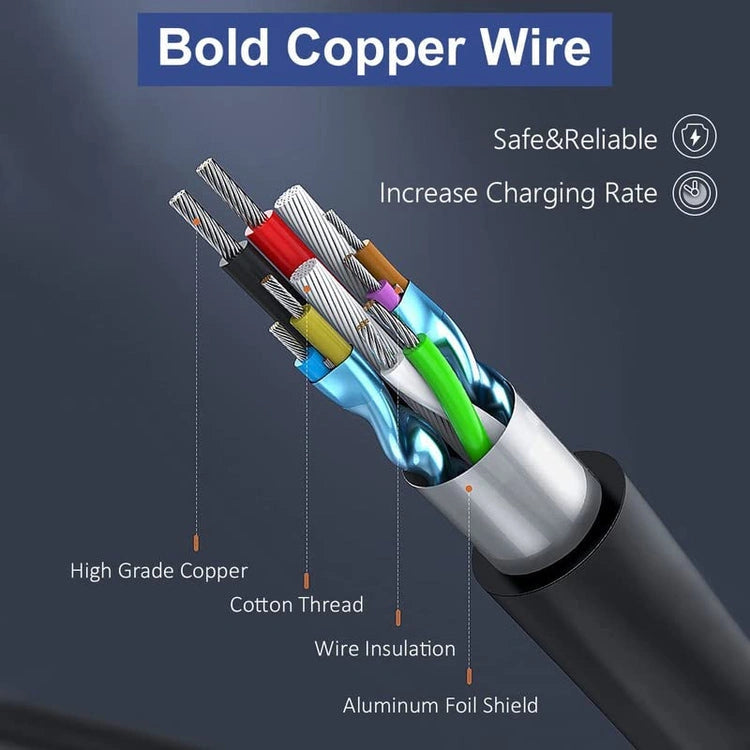
- Build: Reinforced cable with durable housing
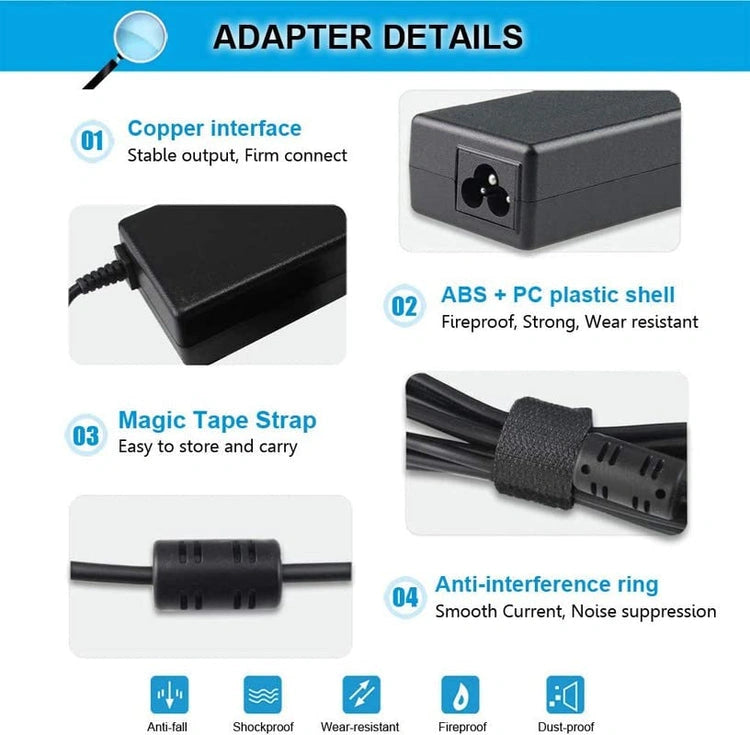
- Protection: Over-voltage, over-current, short-circuit, and overheating protection
- Warranty: 1 Year
FEATURES
- Delivers stable 135W power for high-performance laptops
- Compatible with Lenovo Slim Tip charging models
- Supports gaming, editing, and multitasking
- Ensures consistent charging without power drops
- Slim Tip connector provides secure and firm fit
- Durable build for long-term everyday use
- Maintains low heat during extended sessions
- Built-in safety system for reliable charging
COMPATIBILITY
Ensure your laptop requires 135W power output and the Slim Tip Yellow USB Pin before purchase.
- Lenovo Legion Series: Y520, Y520-15IKB, Y530, Y530-15ICH, Y700, Y700-15ISK, Y730, Y730-15ICH
- Lenovo Gaming & Performance: IdeaPad Gaming 3 (15IMH05, 15ARH05, 15IHU6, 15ACH6), IdeaPad Gaming L340-15IRH, L340-17IRH
- ThinkPad Workstation Series: T440p, T460p, T470p, T540p, W540, W541
- IdeaPad High-Performance Series: Y40-70, Y50-70, Y50-80, Y70-70, Y70-80, Y700, Z710
- Other Heavy Models: G700, G710, 700-15ISK, C940-15IRH
- Part No. Compatibility: ADL135NDC3A, ADL135NLC3A, ADL135NDC2A, ADL135NLC2A, 45N0361, 45N0362, 45N0364, 45N0501, 4X20E50558, PA-1131-72
- Other Compatible Models: All other Lenovo laptops supporting 135W charging and the Slim Tip Yellow USB Pin connector.
PACKAGE INCLUDES
- Lenovo 135W Slim Tip Laptop Adapter (Power Cord Not Included)
USAGE & SAFETY GUIDELINES
- Make sure the adapter matches your laptop before use
- Avoid bending or twisting the cable near the connector
- To avoid cable damage, always unplug by the connector head, not the wire.
- Keep the charging area dry and away from water or moisture
Sales Assistance:
Call our experts at
+919667568912
for personalized guidance
Support Timing:
9:00am - 6:00pm (Mon - Sat)

Couldn't load pickup availability


Shop By Category
Repair, Upgrade & Maintain Your Laptop


Rs. 1,599.00